
Tech & Innovation
Augmented Reality on the Web - WebXR Development Guide for 2026
By Riazul Islam•
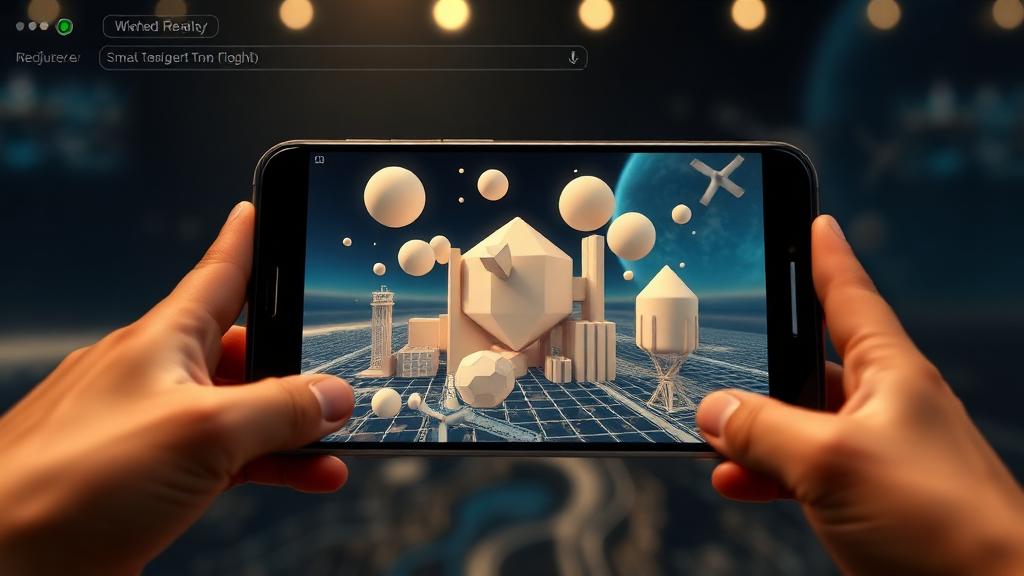
Summary: Build immersive AR experiences directly in the browser using WebXR - a practical development guide for 2026.
# Augmented Reality on the Web - WebXR Development Guide for 2026
No app downloads required. WebXR brings augmented reality directly to the browser, and in 2026, the technology is finally mature enough for production use.
## What is WebXR?
WebXR is a web API that enables:
- **Augmented Reality (AR)** - Digital objects in the real world
- **Virtual Reality (VR)** - Fully immersive environments
- **Mixed Reality (MR)** - Blend of both
All accessible through a standard web browser on compatible devices.
## Browser Support in 2026
| Browser | AR Support | VR Support | Platform |
| Chrome | Full | Full | Android, Desktop |
| Safari | Full | Partial | iOS 18+, macOS |
| Firefox | Full | Full | Desktop |
| Edge | Full | Full | Desktop, HoloLens |
| Samsung Internet | Full | Full | Galaxy devices |
## Getting Started with A-Frame
A-Frame makes WebXR accessible:
```html
<!DOCTYPE html>
<html>
<head>
<script src="https://aframe.io/releases/1.5.0/aframe.min.js"></script>
</head>
<body>
<a-scene>
<!-- AR mode enabled -->
<a-box position="0 1 -3" rotation="0 45 0" color="#4CC3D9"
shadow></a-box>
<a-sphere position="-1 1.25 -5" radius="1.25"
color="#EF2D5E"></a-sphere>
<a-plane position="0 0 -4" rotation="-90 0 0"
width="4" height="4" color="#7BC8A4"></a-plane>
</a-scene>
</body>
</html>
```
## Practical Use Cases
### 1. E-Commerce Product Preview
Let customers see products in their space:
- Furniture placement in rooms
- Clothing virtual try-on
- Home decor visualization
- Shoe sizing with foot scanning
### 2. Education and Training
- 3D anatomy models for medical students
- Interactive history recreations
- Chemistry molecule visualization
- Engineering prototype review
### 3. Real Estate
- Virtual property tours
- Room measurement tools
- Interior design previews
- Neighborhood exploration
### 4. Navigation and Wayfinding
- Indoor navigation for malls and airports
- Tourist point-of-interest overlays
- Warehouse product locating
- Campus navigation
## Building an AR Product Viewer
### Step 1 - 3D Model Preparation
Use glTF format (the "JPEG of 3D"):
- Export from Blender, 3ds Max, or SketchUp
- Optimize with glTF Pipeline tools
- Keep under 5MB for mobile performance
- Include multiple LOD (Level of Detail) versions
### Step 2 - Three.js Integration
```javascript
import * as THREE from 'three';
import { GLTFLoader } from 'three/examples/jsm/loaders/GLTFLoader';
import { ARButton } from 'three/examples/jsm/webxr/ARButton';
const scene = new THREE.Scene();
const camera = new THREE.PerspectiveCamera(70, window.innerWidth / window.innerHeight);
const renderer = new THREE.WebGLRenderer({ antialias: true, alpha: true });
renderer.xr.enabled = true;
document.body.appendChild(ARButton.createButton(renderer));
const loader = new GLTFLoader();
loader.load('/models/product.glb', (gltf) => {
scene.add(gltf.scene);
});
```
### Step 3 - Hit Testing
Place objects on real surfaces:
```javascript
const session = renderer.xr.getSession();
const hitTestSource = await session.requestHitTestSource({
space: viewerSpace
});
// In render loop
const hitTestResults = frame.getHitTestResults(hitTestSource);
if (hitTestResults.length > 0) {
const pose = hitTestResults[0].getPose(referenceSpace);
reticle.matrix.fromArray(pose.transform.matrix);
}
```
## Performance Tips
- **Compress textures** with KTX2 format
- **Use instancing** for repeated objects
- **Limit polygon count** to 50K-100K for mobile
- **Bake lighting** instead of real-time shadows
- **Lazy load** 3D models after page renders
## Conclusion
WebXR in 2026 is production-ready for many use cases. Start with A-Frame for quick prototypes, graduate to Three.js for custom experiences, and always prioritize performance on mobile devices.
---
*Want to add AR to your web application? [Contact me](/contact) to discuss the possibilities.*