
Full Stack
Building a CRM System from Scratch: Lessons from Real Projects
By Riazul Islam•
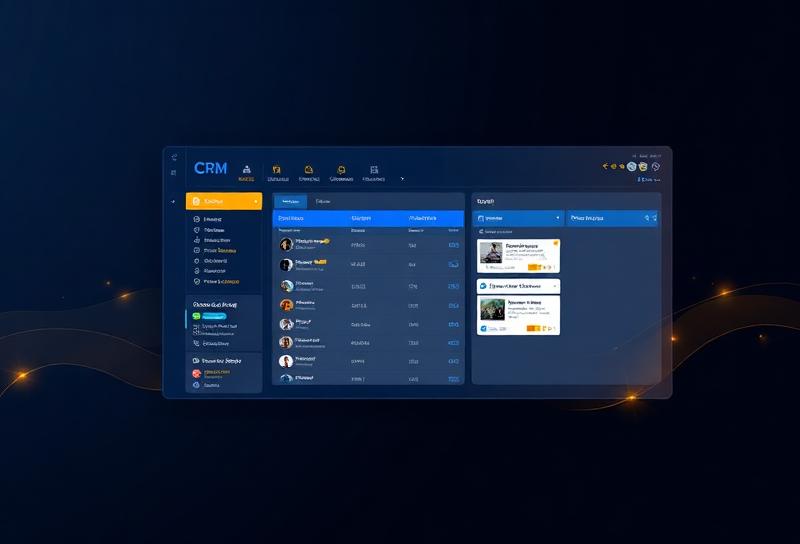
Summary: Off-the-shelf CRMs never fit perfectly. Here's how to build a custom CRM that actually matches your business workflow.
## Why Build a Custom CRM?
I've helped companies migrate away from Salesforce, HubSpot, and Zoho - not because those tools are bad, but because they didn't fit specific workflows. A custom CRM is worth it when your process is unique.
### Core CRM Features
**1. Contact Management**
- Store customer details
- Track communication history
- Tag and segment contacts
- Import/export functionality
**2. Pipeline/Deal Tracking**
- Visual kanban board for deals
- Stage progression tracking
- Win/loss analytics
- Revenue forecasting
**3. Activity Timeline**
- Log calls, emails, meetings
- Automated activity tracking
- Task reminders and follow-ups
- Team collaboration notes
### Tech Stack for a Custom CRM
| Component | Recommended |
| Frontend | React + Tailwind + shadcn/ui |
| Backend | Laravel or Node.js |
| Database | PostgreSQL |
| Search | Meilisearch |
| File storage | S3/Supabase Storage |
| Email | SendGrid or Resend |
### Database Design Tips
- Use UUID primary keys for distributed systems
- Store all timestamps in UTC
- Implement soft deletes (never lose customer data)
- Use JSONB columns for custom fields
- Index frequently searched columns
### Lessons from Production CRMs
1. **Custom fields are essential** - every business has unique data needs
2. **Search must be fast** - users search constantly
3. **Mobile access matters** - sales teams work on the go
4. **Integration is key** - connect with email, calendar, phone
5. **Audit trails** - always know who changed what and when
**A CRM should adapt to your business, not the other way around.**