
Full Stack
How to Build an Admin Dashboard That Users Actually Enjoy
By Riazul Islam•
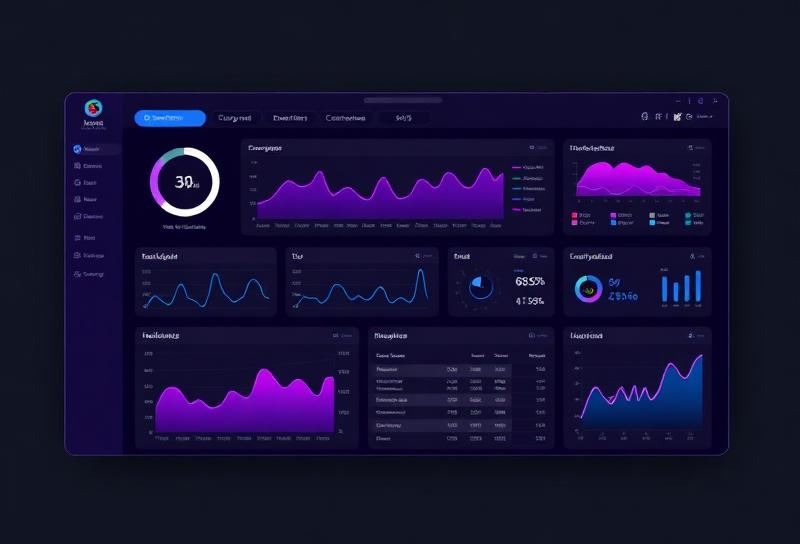
Summary: Most admin panels are ugly and confusing. Here's how to build one that's fast, intuitive, and makes managing data a pleasure.
## Admin Dashboards Don't Have to Be Boring
I've built admin panels for e-commerce stores, CRM systems, and SaaS applications. The ones that succeed have three things in common: they're fast, they're intuitive, and they show the right data at the right time.
### The Essential Pages
1. **Dashboard Home** - KPIs, charts, recent activity
2. **Data Tables** - Searchable, sortable, filterable lists
3. **Forms** - Create and edit records with validation
4. **User Management** - Roles, permissions, activity logs
5. **Settings** - Application configuration
### Tech Stack I Recommend
- **Frontend**: React + Tailwind CSS + shadcn/ui
- **Charts**: Recharts or Chart.js
- **Tables**: TanStack Table (formerly React Table)
- **Forms**: React Hook Form + Zod validation
- **State**: React Query for server state
### Design Principles
**1. Information hierarchy**: Most important data first
**2. Progressive disclosure**: Show summary, expand for details
**3. Batch actions**: Select multiple items, perform one action
**4. Keyboard shortcuts**: Power users will love you
**5. Dark mode**: Developers using your admin will thank you
### Common Mistakes
- Loading everything on one page (paginate!)
- No search functionality
- Confusing navigation structure
- No confirmation for destructive actions
- Missing loading and error states
**A great admin dashboard makes complex data feel simple.**